Storyboard: see the board, then render
Choose talking, ad or product; add reference images and notes; the AI draws a landscape storyboard you check before rendering the video.
Steps
Step 1 of 4
Pick the kind of film
“Talking” suits presenters, interviews, lessons and short-form openers; “Ad” suits brand films, mood ads and campaign visuals; “Product” suits promos, selling-point breakdowns and launch films.
Step 2 of 4
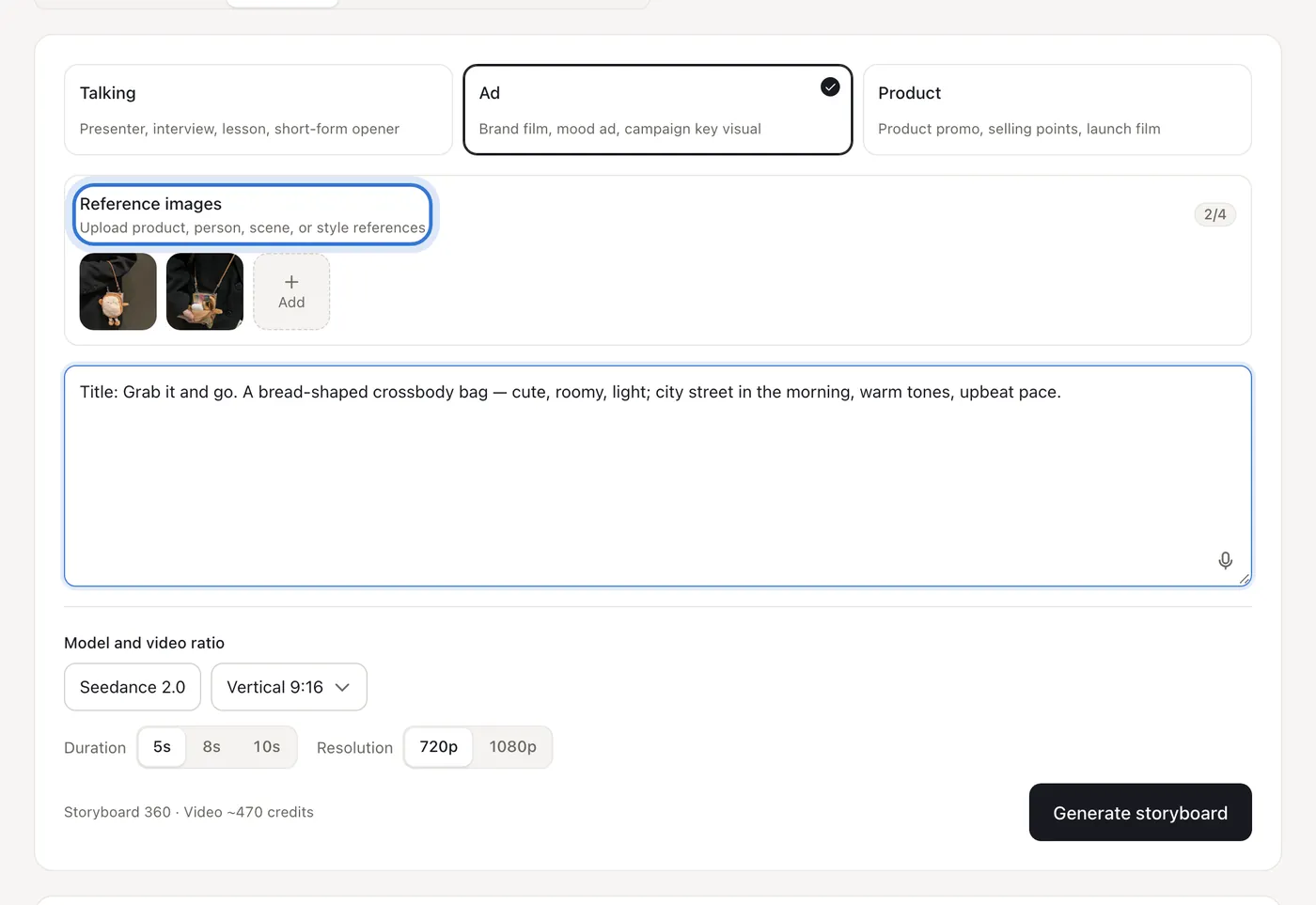
Add references and project notes
“Reference images” can be product, person, scene or style images. In the notes give the title, product or person, scene, mood, selling points and reference style — the more specific, the closer the board.
Step 3 of 4
Choose duration and resolution, generate the board
Set ratio, duration and resolution; the card shows what the storyboard and the video cost. Press “Generate storyboard” and the AI draws a landscape board for that length.
Step 4 of 4
Review the board, then render
The board draws every shot on one image, with the length, shot count and video cost underneath. If you like it, press “Generate video from board”; if not, change the notes and draw another board — cheaper than redoing a video.
Step 1 of 4

Click the highlighted area to continue
Related questions
Did this lesson help?