Style replicate
Upload your product and reference images; the AI applies the reference’s style to your product.
What you bring
The result
Steps
Step 1 of 4
Single or multi product
For one product choose “Single product”; to apply one look to several products choose “Multi product”.
Step 2 of 4
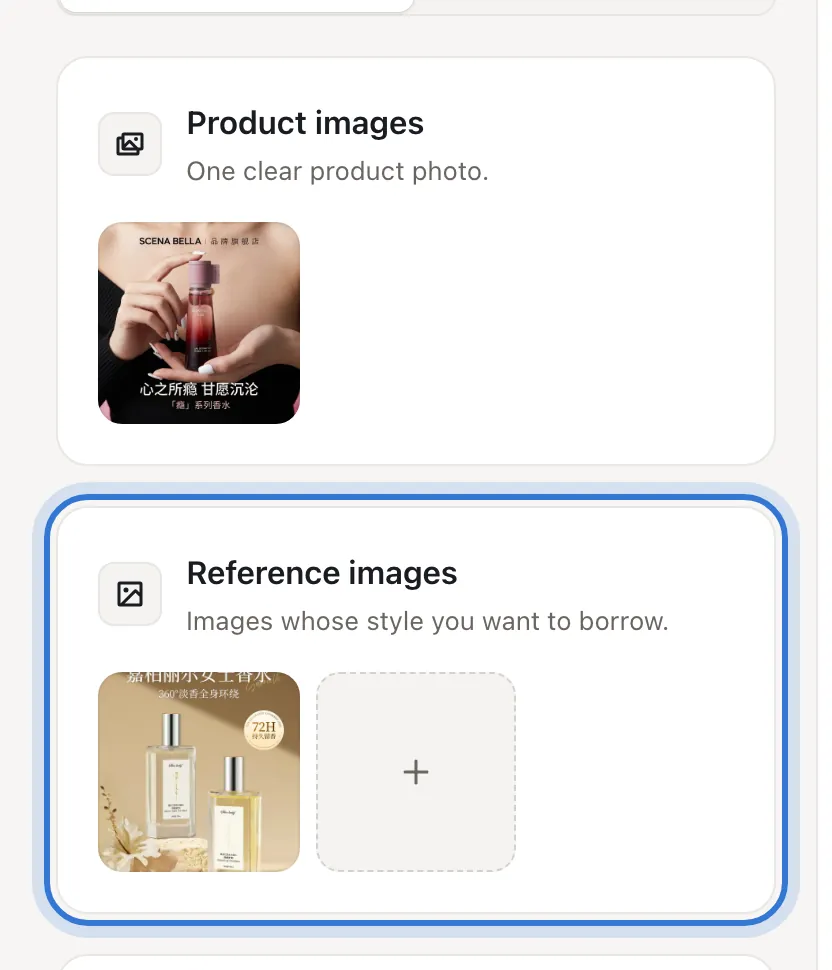
Upload product and reference images
“Product images” takes one photo of your product; “Reference images” takes the images whose style you want to borrow — a competitor’s, a bestseller’s, or one of your own.
TipPick references that sell well and are well made: clear framing, little text. “Trending” has plenty.
Step 3 of 4
Add requirements, check the cost
Put what to keep or change in “Requirements” (optional), e.g. “keep the warm tones, use my headline”. The default model is Nano Banana. Once your images are in, “Start style replication” becomes “Generate N images” with the estimate under it; press it.
Step 4 of 4
Download or redo
Press “Download” to save; if something is off, “Edit” changes just that image.
Step 1 of 4
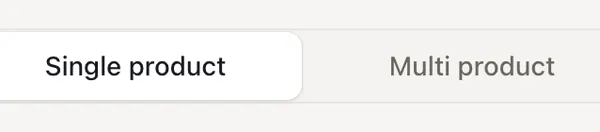
Single or multi product
Not happy with the result?
- The reference’s own product shows up
- Add “use only the reference’s style; replace the product with mine”, and prefer references with fewer products.
- The text is still the reference’s
- Type your exact copy into “Requirements”.
Related questions
Did this lesson help?