Batch
Pick a tool and submit products one at a time with its usual steps; tasks queue on the right.
3 steps · 2 minCost: Same prices as each tool; every task shows its cost before you submit.
Steps
Step 1 of 3
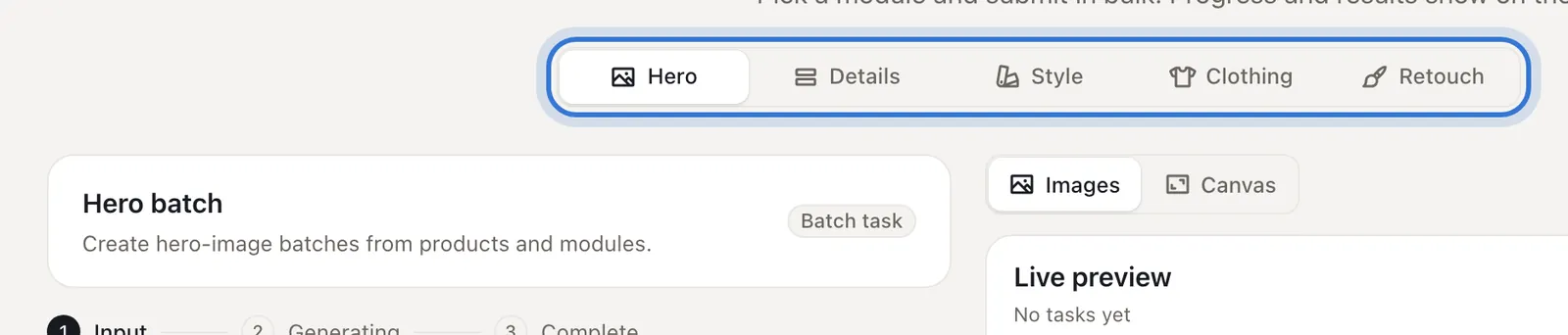
Pick the tool
Under the title choose Hero, Details, Style, Clothing or Retouch; the left side is that tool’s usual form.
Step 2 of 3
Submit one product at a time
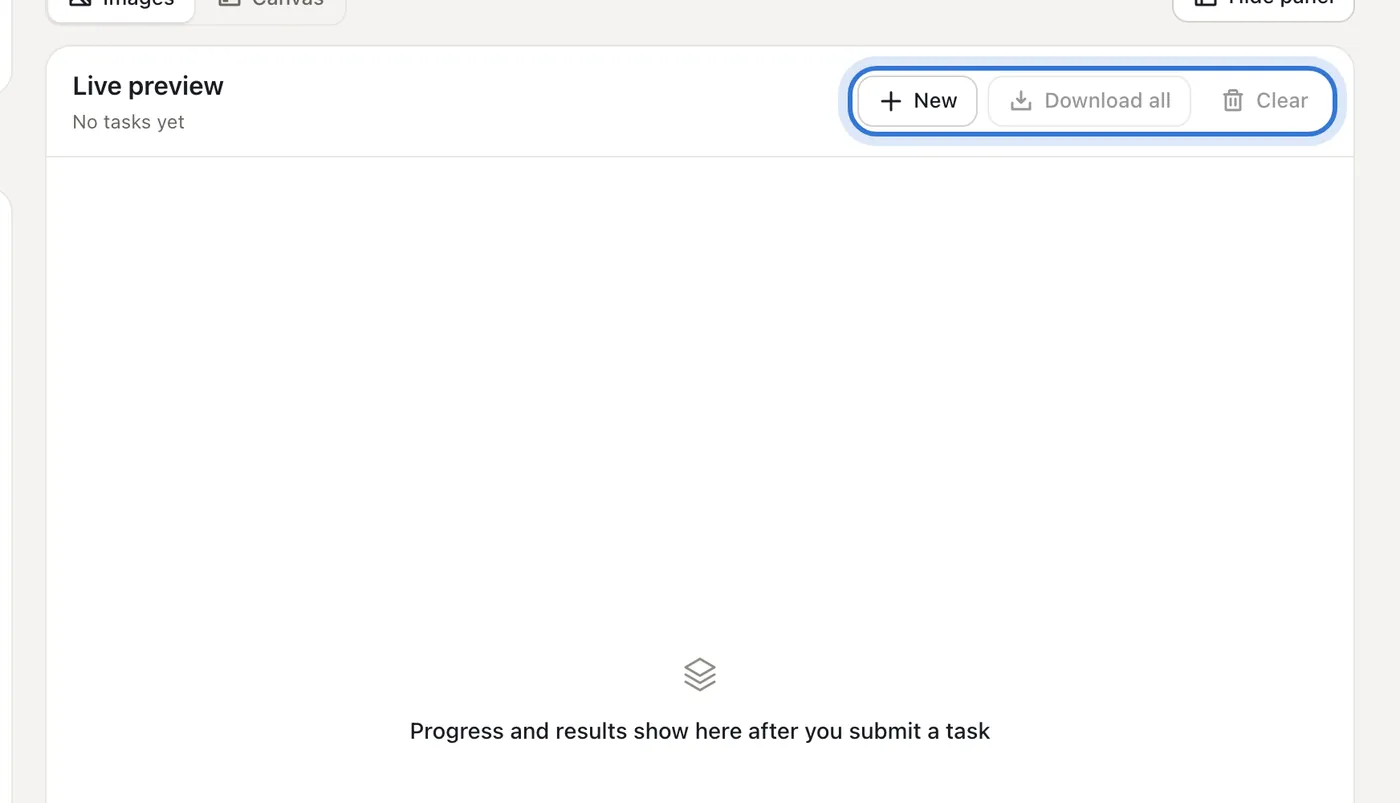
Uploads, requirements and settings work exactly like the single tool. Each submission becomes a task on the right; don’t wait for it — press “New” and start the next product.
Step 3 of 3
Download everything at the end
Each task shows its progress and results; when all are done, press “Download all”.
Step 1 of 3
Click the highlighted area to continue
Related questions
Did this lesson help?