How can we help?
Find the lesson for what you want to make, or search your question. On a computer you can click through each lesson’s screenshots first — no credits used.
Start here

A hero image ready to list
Upload a product photo, add a selling point, get a hero image with copy.
7 steps · 3 min
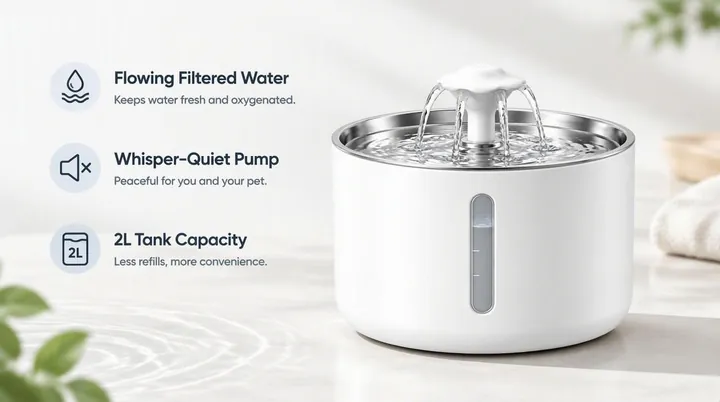
A full set of detail images
Pick modules; the AI writes a plan, you confirm, the set is generated.
8 steps · 4 min

Describe the change, get it
Ask in plain words: new background, new text, new scene.
5 steps · 3 min
New here? Four steps
- 1
Take one clear product photo
A phone photo is fine: the whole product, bright light, a plain background. Avoid photos with other brands’ watermarks, lots of text, or several products crowded together.
- 2
Pick a tool, write one line
Say what the product is, the selling point that matters most, and where you sell. Example: automatic pet fountain, whisper-quiet, flowing water, selling on Amazon.
- 3
Make one image, check the cost
Keep the default model, quality and resolution, and pick only the “Hero visual” module, 1 image. It costs 50 credits by default; the line under the button says “About N credits”.
- 4
Download, or fix just that image
Every image has “Edit” and “Download”. About fifteen seconds after you start, you can close the page; everything lands in History.
Canvas
Edit by chatting; follow proven approaches with inspiration, skills and teams; save what works as a recipe and run it on many products.
Video: pick a mode
Choose by what you have. Video is billed per second, and the page shows the total before you start.
Other tools
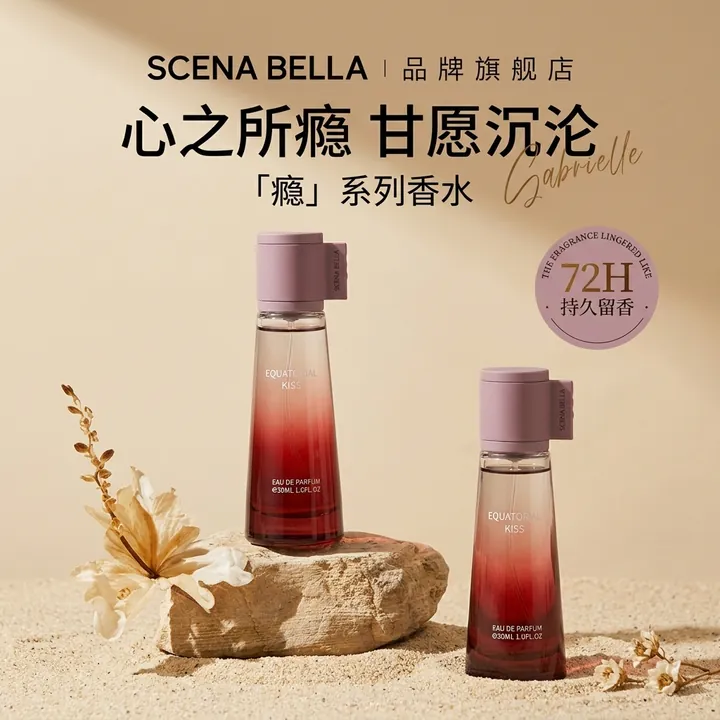 Style replicateYour product plus a reference image, in the reference’s style.
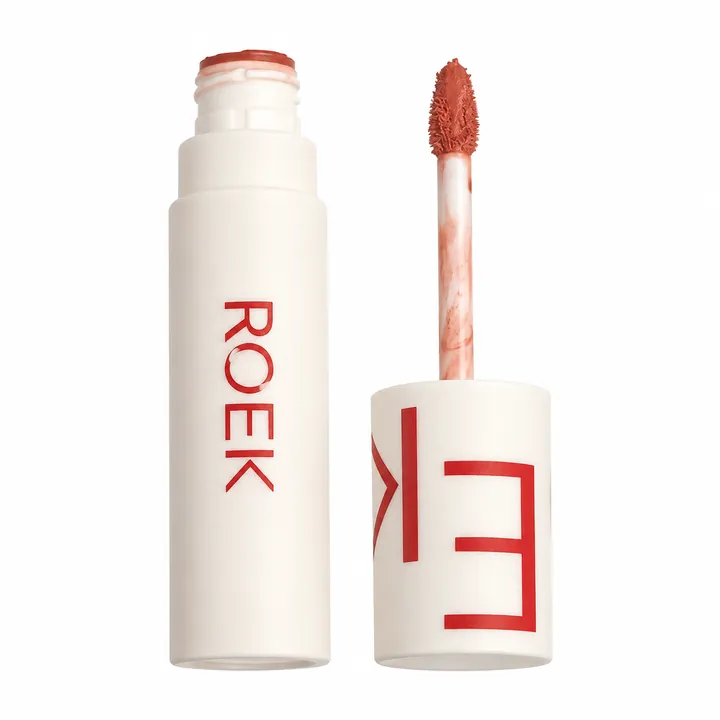 RetouchRemove clutter, switch to white, brighten — the product stays as is.
 ClothingUpload a garment photo; get on-model, white-background and detail shots.
 BatchOne workflow, a queue of products.
 TrendingFull image sets of hot products; send the good ones to style replicate.
How credits work
Hero images, detail images, retouch and clothing use GPT Image 2.5 Flare by default. These are its per-image prices; higher quality and resolution cost more.
| Quality | SD 1K | HD 2K | UHD 4K |
|---|---|---|---|
| Light | 50 | 60 | 70 |
| Standard | 60 | 80 | 105 |
| High | 105 | 190 | 290 |
| Superfine | 155 | 305 | 480 |
| Ultimate | 300 | 630 | 1020 |
Credits per image. Sunburst costs the same as Flare at every tier.
- Failed generations are refunded automatically — no need to contact support.
- Hero images, detail images and retouch at the default setting (Light · SD 1K) cost 50 credits per image; style replicate costs 60 by default.
- Hero images, detail images, style replicate, retouch and clothing show “About N credits · Balance M” under the generate button. That number is what you pay.
- Detail page plans are free for accounts that have never purchased; after a purchase each module costs 5 credits.
- Video is billed per second: Seedance 2.0 costs 94 credits a second at 720p and 233 at 1080p. The page shows the total before you start.
- Canvas shows no total before you send: the assistant uses a few credits per message, and images are charged by model and resolution.