From product images: a video from a few photos
Upload a few product photos; the AI writes the shot plan first, you check it, then the video is made. The simplest way to start.
What you bring
The result
Steps
Step 1 of 4
Upload photos, describe the style (optional)
In “From product images”, click or drop 2–3 photos of the same product — front, detail and in use work best; the first one leads the video. Next to them you can describe the style, e.g. “fast-paced”, “cozy”, or leave it empty.
TipUse clear photos of the whole product; big text blocks or watermarks tend to end up in the video.
Step 2 of 4
Set ratio, duration and resolution
Use vertical 9:16 for TikTok and Reels. Pick a duration and resolution from the options on the page; the card shows “Storyboard N · Video ~M”.
Save creditsVideo is billed per second — try the shortest length first.
Step 3 of 4
Write the shot plan, check it
Press “Storyboard”; it usually takes 30 seconds to 2 minutes. The AI lists what each shot shows and how the camera moves — open “Prompt (editable)” to change a shot. When it’s right, press “Generate video”; the button shows the shot count and credits.
Step 4 of 4
Wait, then download
Videos usually take 5–10 minutes and you get an email when done, so feel free to leave. Finished videos are under “Result” and “Recent”, ready to download.
Step 1 of 4
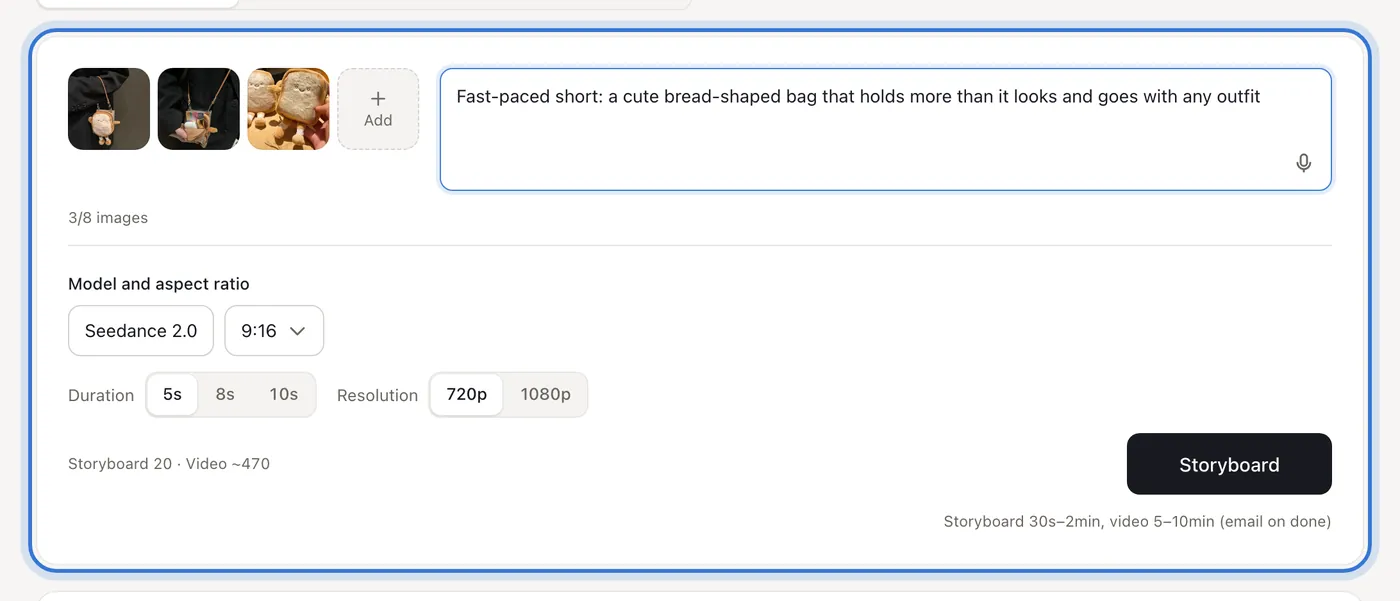
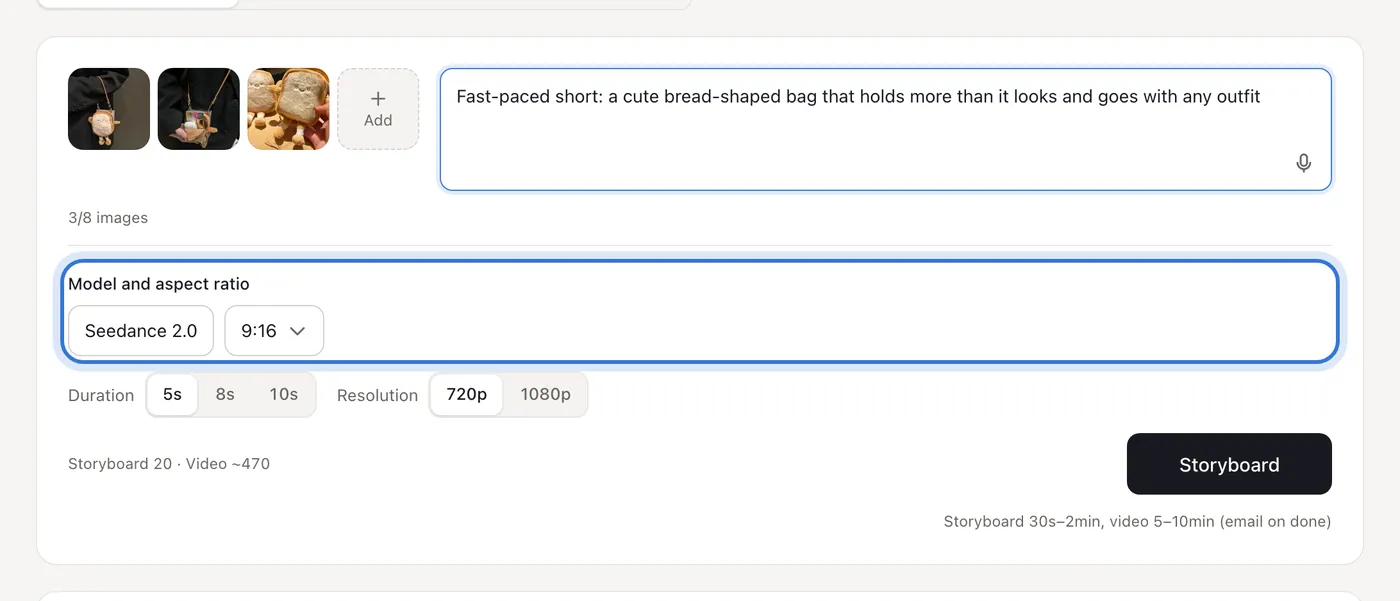
Click the highlighted area to continue
Related questions
Did this lesson help?