First/last frames: set the opening and closing shots
Upload the first and last frame; the AI animates the transition between them. Good for product reveals, unboxing and before/after.
What you bring
The result
Steps
Step 1 of 3
Upload the first and last frame
“First frame” is what viewers see first, “Last frame” is where the video settles. Keep the product and lighting consistent between them for a natural transition.
Step 2 of 3
Set duration and resolution, analyze
Durations are 5, 8 or 10 seconds at 720p or 1080p; the card shows what the video costs. Then press “Analyze storyboard” and the AI plans the transition, usually in 30 seconds to 2 minutes — you can generate once it’s done.
Step 3 of 3
Check the plan, generate
The shot plan says how the camera moves and how the picture changes in each part. If it looks right, press “Generate video” below it; the button shows the credits. Videos usually take 5–10 minutes, you get an email when done, and they appear under “Result”, ready to download.
Step 1 of 3
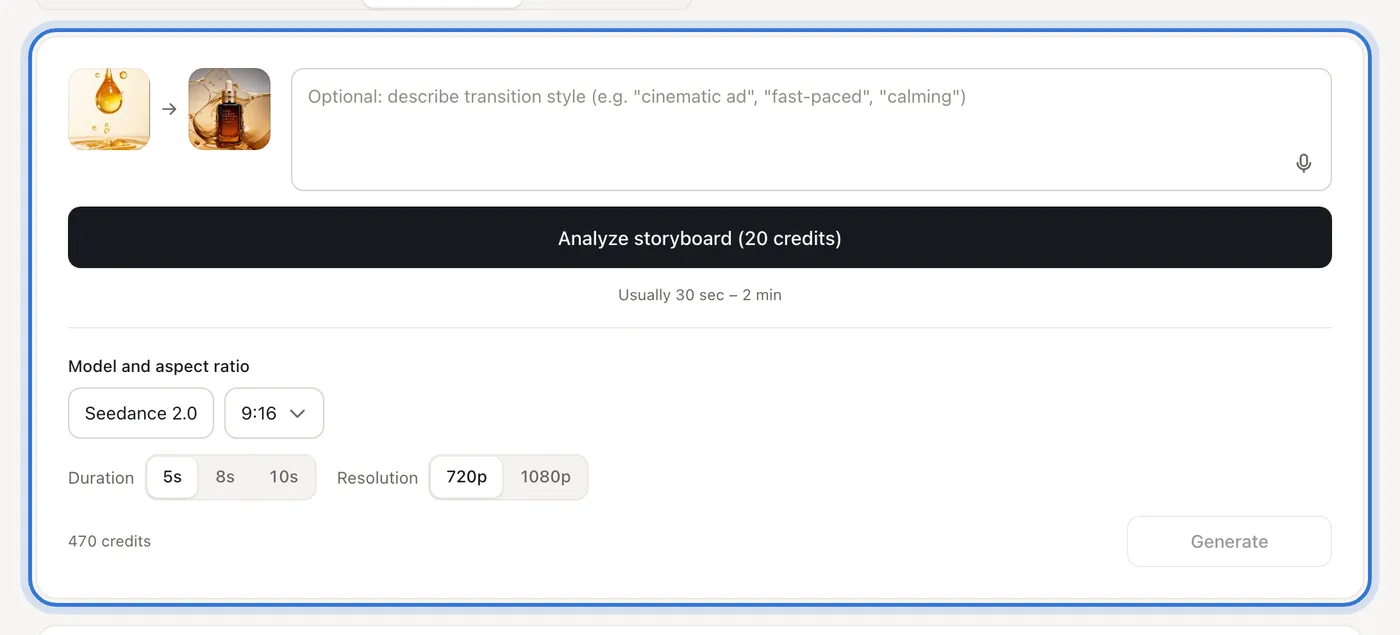
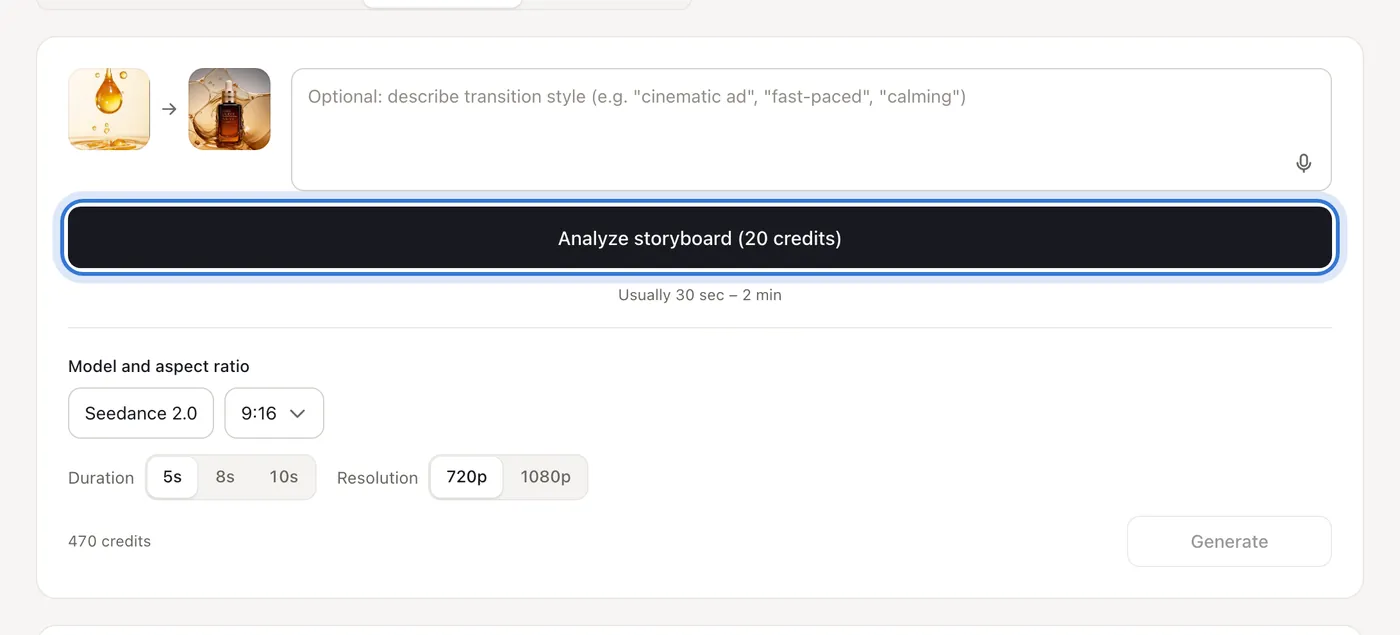
Click the highlighted area to continue
Related questions
Did this lesson help?