Shopee Product Image Generator
Prepare a consistent Shopee catalogue image set from one accurate product source.
Direct answer
Use a single product source to compare catalogue, variant, and supporting visual directions before a Shopee listing.
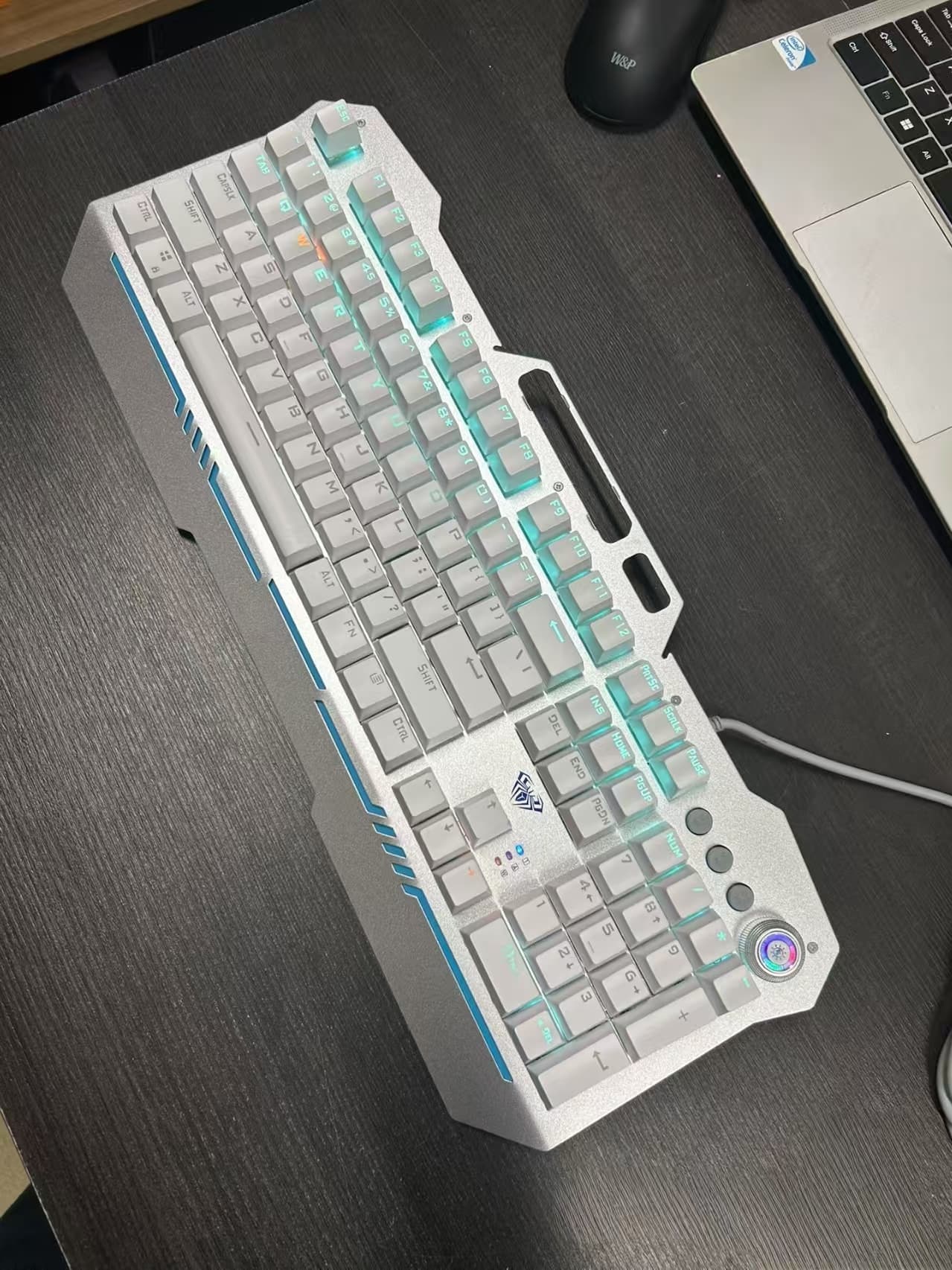 Source
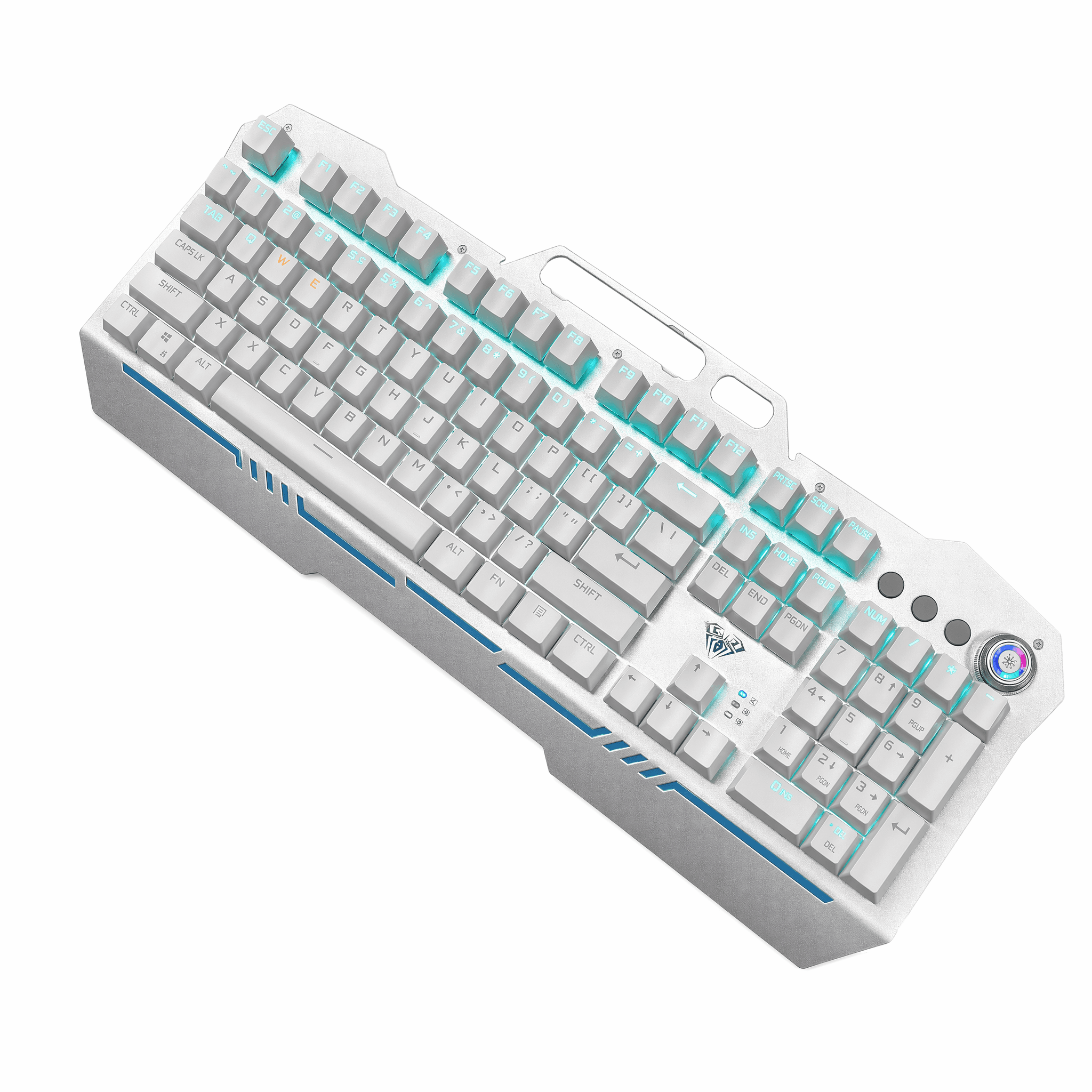 Output
Repository showcase file lineage only; this comparison does not establish a provider, model, marketplace approval, or generation claim.
Asset note: Repository showcase file lineage only; this comparison does not establish a provider, model, marketplace approval, or generation claim.
Best for
Prepare consistent Shopee catalogue, variant, and supporting image candidates from one accurate product source, then review each final listing asset.
Building a consistent multi-variant catalogue
Comparing product options without changing the item
Preparing a compact image set for a Shopee listing
Shopee catalogue workflow
- 01
Choose the catalogue source
Start with one accurate product photograph that establishes the catalogue reference.
- 02
Organise the variant set
Separate shared product imagery from option-specific visuals so the set stays legible.
- 03
Review the final set
Confirm every image still maps to the intended product or variant before publishing.
Candidate outputs
Pre-publish review source
Platform requirements can change. Review the latest guidance in the relevant official seller resource before publishing.
FAQ
Can one source support multiple variants?
It can support candidate variations, but check that each final image still represents its specific item.
How should variants differ?
Show only the real option differences and keep the shared product reference consistent.
Can the full set be reused?
Reuse the working direction, then review the final image set for each listing.
Prepare a Shopee catalogue set
Organise consistent candidate images for a Shopee catalogue.
Start creating100 welcome credits · No card required