AI Product Photo Editor for Ecommerce
Clean backgrounds, improve lighting, and refine product details for ecommerce listings and campaign visuals.
Direct answer
Shopix AI helps turn ordinary product photos into cleaner, more polished visuals for ecommerce listings, catalogs, and campaigns.
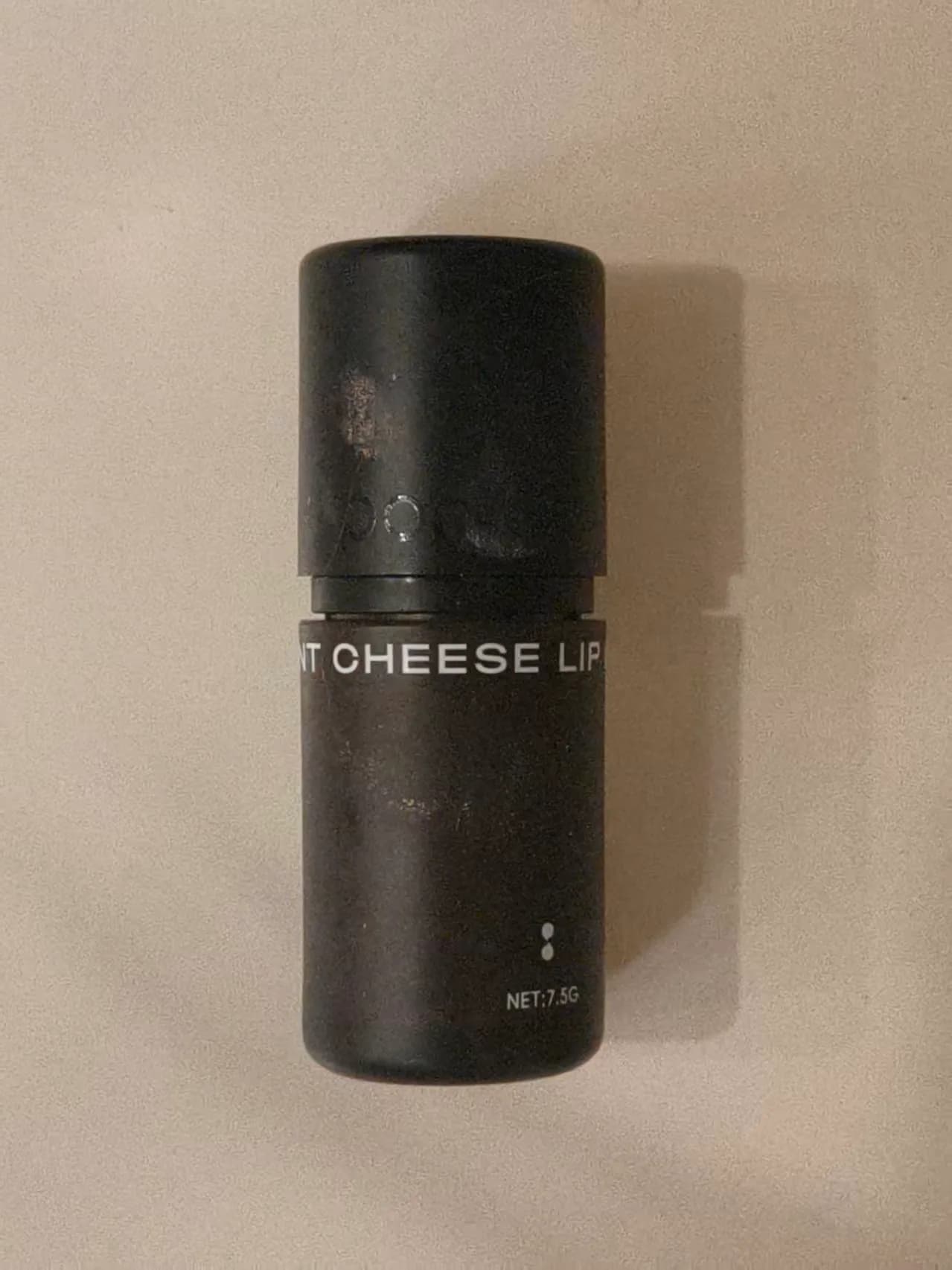 Source
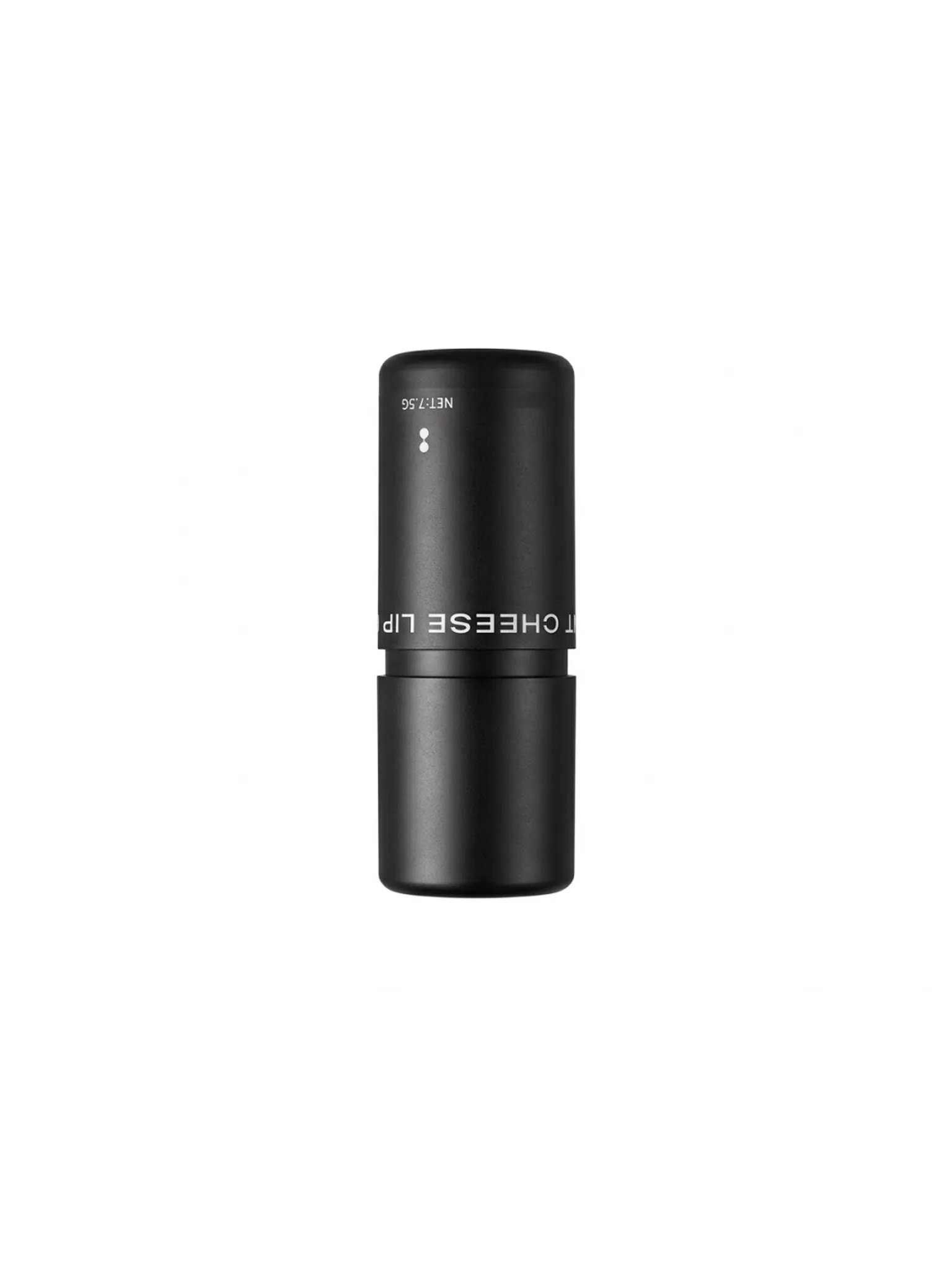 Output
The editing goal is to improve clarity, lighting, material feel, and commercial presentation while preserving product recognition.
Best for
Edit product photos for ecommerce listings with Shopix AI. Clean backgrounds, improve lighting, refine product texture, and prepare catalog or campaign images from existing photos.
Product photos with cluttered backgrounds or weak lighting
Images that need cleaner edges, material detail, or stronger polish
Catalog, campaign, or multi-SKU batches that need a faster editing pass
Editing workflow
- 01
Upload product images
Start from one product photo or a set of related product images.
- 02
Choose the editing direction
Guide the output toward background cleanup, lighting improvement, material enhancement, or original-background refinement.
- 03
Download usable candidates
Keep the results that fit listing, campaign, or follow-up editing needs, then review product details before publishing.
Common outputs
FAQ
Can Shopix batch-edit product photos?
Yes. Shopix supports batch-oriented ecommerce editing workflows for catalog and campaign image production.
Will the product become inaccurate?
The goal is to improve presentation, not replace the product. Important structures, logos, textures, and specifications should still be checked.
Can it create white-background product images?
It can help with clean-background and white-background product image directions, but marketplace-specific rules should be reviewed before publishing.
Edit your product photo
Upload one image and prepare a cleaner ecommerce-ready version.
Start editing100 welcome credits · No card required